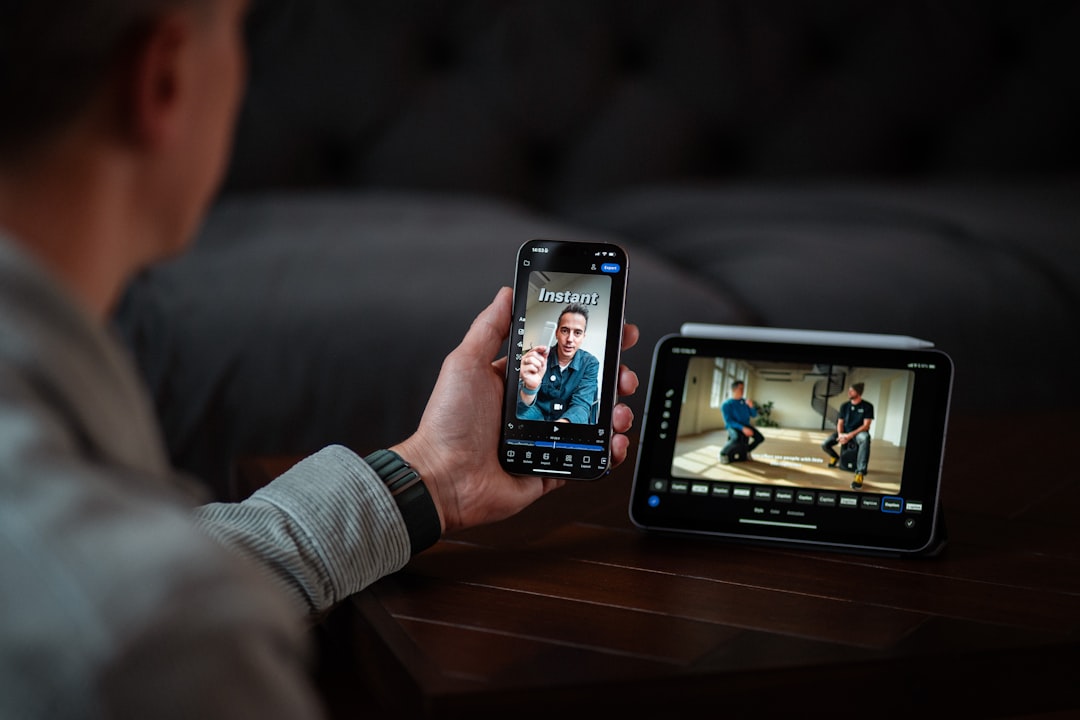
In today's digital landscape, video content dominates online communication. From social media to educational platforms, videos have become the primary medium for sharing information and storytelling. However, millions of users face barriers when accessing video content due to hearing impairments, language differences, or situational limitations. Making your videos accessible isn't just about compliance—it's about inclusivity, user experience, and reaching the widest possible audience.
Why Video Accessibility Matters
Video accessibility ensures that everyone, regardless of their abilities or circumstances, can access and understand your content. Consider these compelling statistics:
- Over 466 million people worldwide have disabling hearing loss
- 85% of Facebook videos are watched without sound
- Captions increase video view time by an average of 12%
- 80% of people who use captions are not deaf or hard of hearing
Understanding WCAG 2.1 Guidelines
The Web Content Accessibility Guidelines (WCAG) 2.1 provide a framework for making digital content accessible. For video content, the key requirements include:
Level A (Minimum)
- Captions for all prerecorded audio content in synchronized media
- Audio descriptions or media alternative for prerecorded video-only content
Level AA (Required for Most Organizations)
- Captions for all live audio content in synchronized media
- Audio descriptions for prerecorded video content
Level AAA (Enhanced)
- Sign language interpretation
- Extended audio descriptions
- Media alternative for synchronized media
Essential Elements of Accessible Videos
1. High-Quality Captions
Captions should be accurate, synchronized, and properly formatted. They should include not just dialogue, but also important sound effects and speaker identification. AI-powered tools like Video Caption AI Pro can generate 99% accurate captions automatically, saving hours of manual work while ensuring quality.
2. Audio Descriptions
Audio descriptions provide narration of important visual information for viewers who are blind or have low vision. This includes actions, scene changes, and on-screen text that isn't spoken in the audio.
3. Transcripts
Full text transcripts offer an alternative way to access content and improve SEO. They're searchable and can be translated easily into multiple languages.
4. Clear Audio
Ensure your audio quality is high, with minimal background noise and clear pronunciation. This benefits all viewers and improves caption accuracy.
5. Visual Clarity
Use high contrast, readable fonts, and avoid relying solely on color to convey information. Ensure on-screen text is large enough to read easily.
Implementing AI-Powered Accessibility Solutions
Modern AI technology has revolutionized video accessibility. Advanced speech recognition and natural language processing can now:
- Generate accurate captions in real-time or from recorded content
- Identify multiple speakers and label them appropriately
- Detect and caption important sound effects
- Translate captions into dozens of languages automatically
- Synchronize captions precisely with audio timing
Best Practices for 2025
As we move forward, consider these emerging best practices:
- Design with accessibility from the start: Don't treat captions as an afterthought. Plan for them during video production.
- Test with diverse audiences: Include people with disabilities in your testing process to identify real-world barriers.
- Keep captions customizable: Allow viewers to adjust caption size, color, and position to suit their preferences.
- Provide multiple accessibility options: Offer both captions and transcripts to accommodate different user needs.
- Stay updated on guidelines: Accessibility standards evolve. Regularly review your content against current guidelines.
The Business Case for Video Accessibility
Beyond moral and legal obligations, accessible videos deliver tangible business benefits:
- Expanded Audience: Reach millions of additional viewers who rely on accessibility features
- Improved SEO: Search engines can index caption text, improving discoverability
- Higher Engagement: Studies show captioned videos have higher completion rates
- Legal Protection: Compliance with accessibility laws reduces litigation risk
- Brand Reputation: Demonstrates social responsibility and inclusivity
Getting Started with Video Caption AI Pro
Making your videos accessible doesn't have to be complex or time-consuming. Video Caption AI Pro offers:
- AI-powered caption generation with 99% accuracy
- Support for 50+ languages
- Automatic speaker identification
- Easy editing tools for perfect customization
- Multiple export formats for any platform
- Bulk processing for large video libraries
Conclusion
Video accessibility is no longer optional—it's essential for reaching today's diverse, global audience. By implementing proper captions, audio descriptions, and transcripts, you make your content available to everyone while improving engagement and SEO. With modern AI tools, creating accessible videos is easier and more affordable than ever.
Start your accessibility journey today. Every video you make accessible is a step toward a more inclusive digital world. Whether you're a content creator, educator, or business owner, investing in video accessibility pays dividends in audience reach, engagement, and social impact.